
 SaaS Product
FormDragon
Drag-and-drop form builder with payments built in
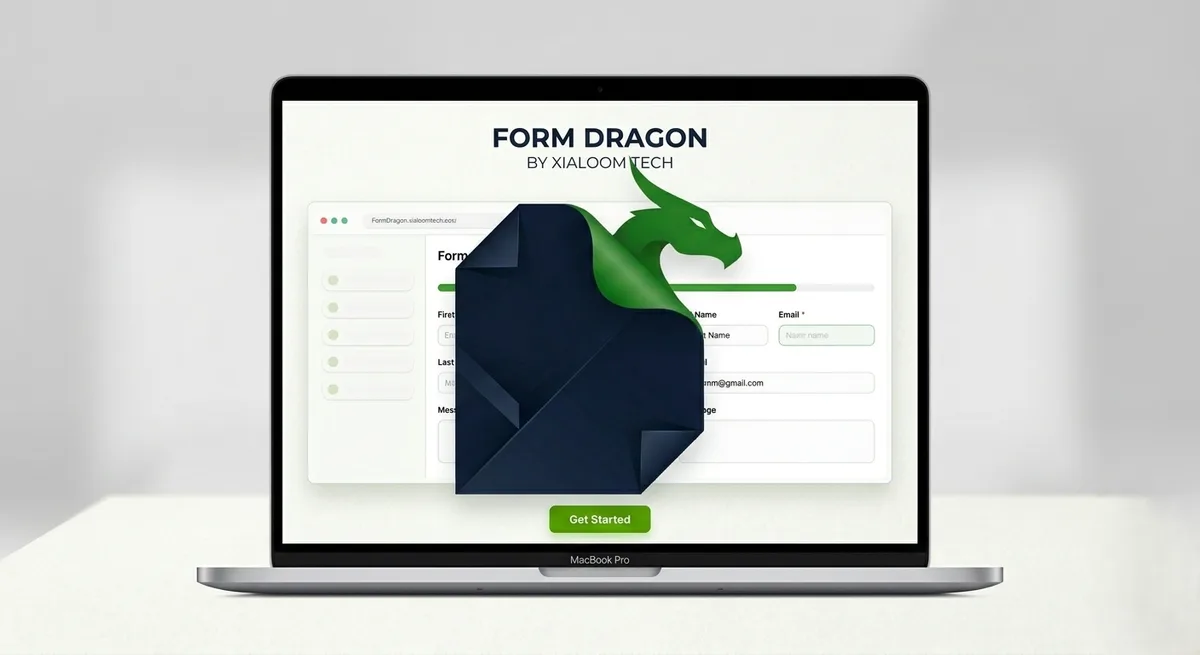
A form and survey builder with a drag-and-drop editor, file uploads, payment collection, webhooks and an API — a Xialoom product rather than client work.
The problems it was built for
Collecting a registration fee alongside a registration form means two tools and two sets of records, reconciled by hand by somebody with a spreadsheet and a bad afternoon.
The form and the payment are one record. A paid submission arrives complete, so there is nothing to match up afterwards.
Form data ends up stranded in whatever tool collected it, while the system that actually runs the business knows nothing about it.
Webhooks and API keys push submissions straight into existing systems as they arrive, and responses export to Excel and PDF for the people who still work that way.
One person owns the form. They leave, go on holiday, or simply log out, and nobody else can get at the responses.
Team workspaces with per-member access, so a form belongs to the organisation rather than to whoever happened to create it. Version history means an edit can be traced.
Getting a form in front of people in person — at an event, a counter, a classroom — usually means reading a URL aloud and hoping.
QR code distribution, plus signature capture and file uploads for forms that need more than typed text.
Everything it handles
- Drag-and-drop form builder
- Team workspaces and member roles
- Payment collection on forms
- File uploads
- Signature capture
- QR code distribution
- Response analytics
- Webhooks and API keys
- Excel and PDF export
- Form version history
Common questions
Can FormDragon collect payments through a form?
Yes. Payment collection is built into the form itself, so a paid submission is a single record rather than a form entry matched by hand against a separate payment.
Can I connect FormDragon to another system?
Yes — webhooks fire on submission and API keys allow programmatic access, so responses can be pushed into whatever software already runs the business.
Can a team share forms?
Yes. Workspaces hold forms at the organisation level with per-member access, rather than tying a form to the individual who created it.
What can I do with responses?
View them with built-in analytics, or export to Excel and PDF. Forms can also capture file uploads and signatures.